WizKid App Creation

Our app is coming together nicely, we have decided that we are building an educational app that can teach young children about the components of their cell phones and how those components work. Josh has been fantastic in coming up with the initial idea and after some collaboration we all agreed, and WizKid was born…. as far as I know that is what we are calling it.

I began gathering images for our app, which will be featuring the character Vivi Ornitier from the video game Final Fantasy IX. We chose Vivi because he himself is only 9, and who better to teach kids than a mage. I gathered images of Vivi in different poses and edited them in photoshop in order to demonstrate different functions of the app.

Josh is our main guy working with app inventor, because let’s face it, compared to him, the rest of the group, including yours truly, is on the struggle bus. Breanna is testing some of the sensor functions for the app. Briana is creating our presentation. And Leo and I will be working on a script for our actual presentation.

P.S. I know my blog still looks like crap, I’m working on figuring out how to personalize it, WordPress is just a little confusing to me as I never created a blog before.
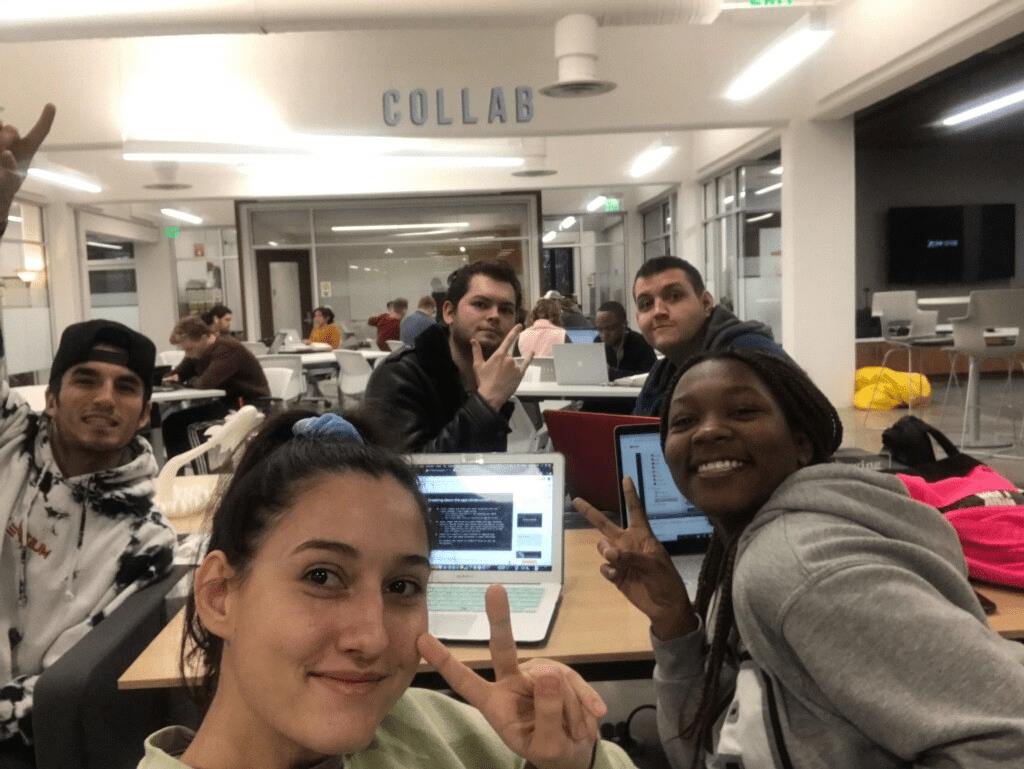
Team Awesome (C)

Working With App Inventor

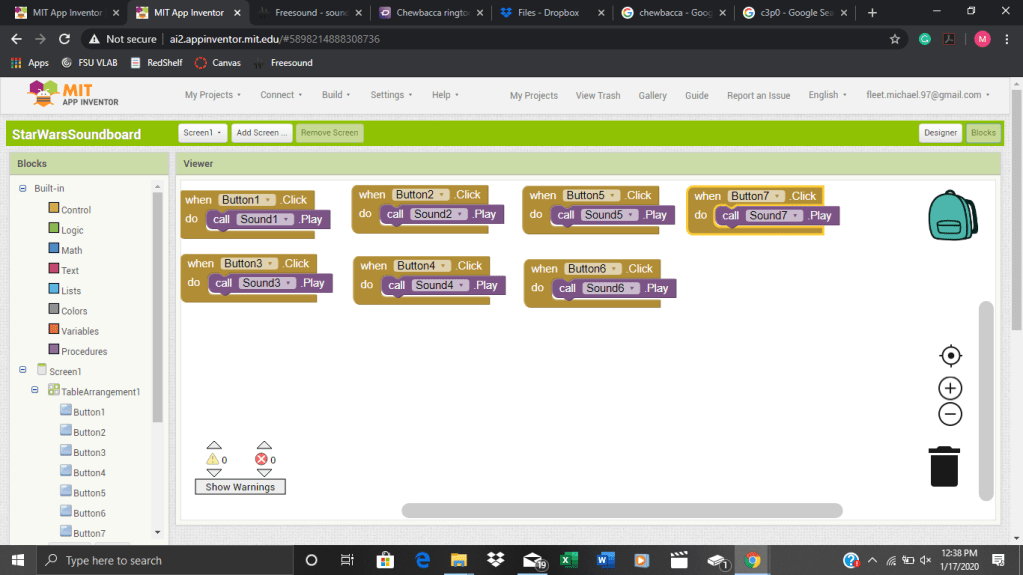
I wanted to start with something simple to do on App Inventor, so i decided to do the same thing we did in class. I uploaded a picture and added a button that played a sound. Obviously i had to use something fun so i used R2-D2 from star wars. I wanted to make it vibrate as it played the sound but for some reason that didn’t want to work. So then a friend gave me the idea to make something like a soundboard. So i downloaded some images from google, and some sounds from Star Wars and started putting it together on App Inventor. It was fairly simple actually. I was going to put in images and then add buttons to them, but then i thought, “What if the image, is the button!” I figured out how to attach an image to the button, then putting the blocks together was stupid simple… “button one plays sound 1”, “button 2 plays sound 2” etc… But finally i ended up with 7 different buttons with 7 different sounds. Honestly i would have rather learned how to actually code this, but i guess this was convenient for the sake of time. I wanted to attach the .apk file to this post but apparently for some dumbass reason i can’t.

About Me

My name is Michael Ryan Fleet. I was born in New Jersey and have lived in Florida for most of my life. I came to Florida State University in hopes of joining the FSU Marching Chiefs, but they apparently didn’t want me. But never the less i stuck around for the College of Business. I am a senior and am trying to graduate this semester, spring, 2020. I decided to take IDS 2141 because i need a second scholarship in practice credit and i needed another elective credit. Although i was skeptical about the class at first i know now that this is going to be one of the best classes i have taken at FSU.

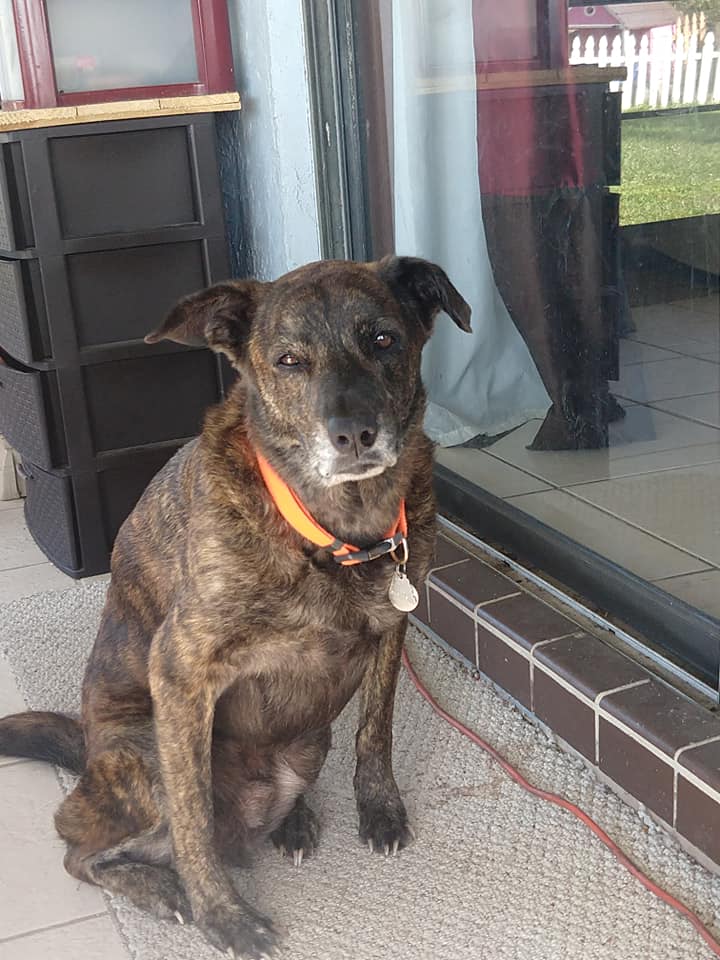
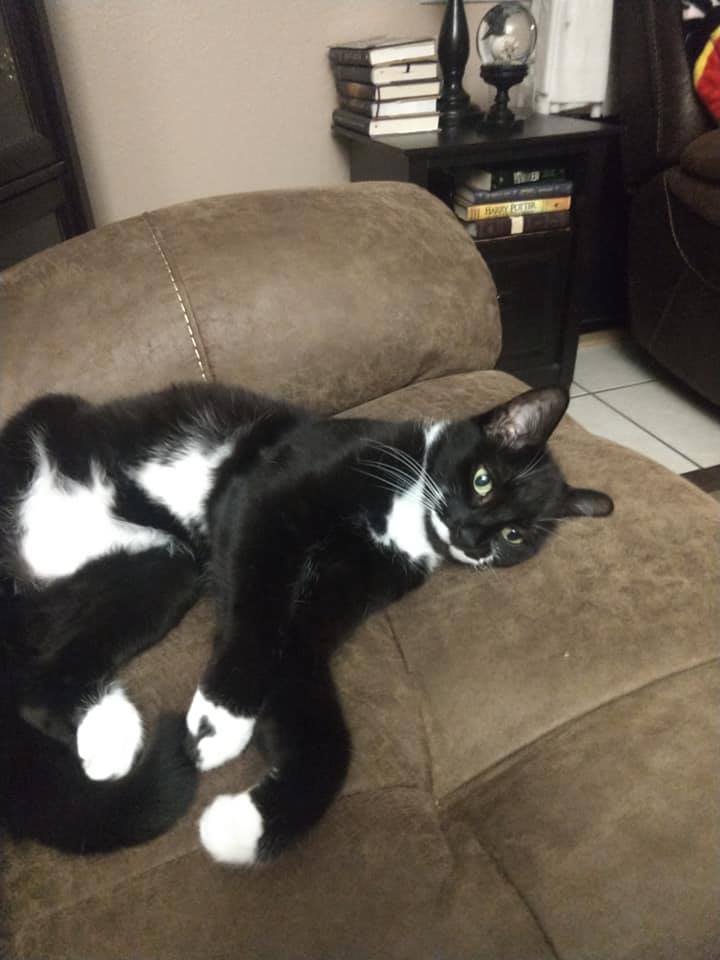
More about me though. I played saxophone for 7 years all the way up to my senior year of high school when i was selected to be saxophone section leader for my band. I grew up in Lakeland, Florida with my parents, 2 brothers, and my sister. I’ve had numerous pets throughout the years but currently i have a dog, 3 cats, 2 turtles, and a miniature pig. I think I have said enough. I don’t need anyone knowing too much.

Design a site like this with WordPress.com
Get started